I’ve spent twenty years watching folks walk onto my range, and if there’s one thing I’ve learned, it’s that people tend to fall in love with the shiny parts of a tool while ignoring how it actually functions when things get messy. I see it all the time with security tech; someone spends a small fortune on a fingerprint scanner because the box looked high-tech, only to realize a bit of humidity or a smudge of grease makes it a useless hunk of metal. If you’re looking at how to choose a biometric lock honestly, you have to stop looking at the marketing brochures and start looking at the mechanical reality of the device.
I’m not here to sell you on the latest gadget or tell you that a sensor can replace a solid steel bolt. What I want to do is strip away the hype and talk about the stuff the manufacturers hope you don’t ask about: battery failure, sensor degradation, and the physical bypasses that no app can fix. I’m going to walk you through the practical, unglamorous side of this tech so you can pick something that actually works when you need it most.
Beyond the Hype Testing Real Fingerprint Sensor Accuracy
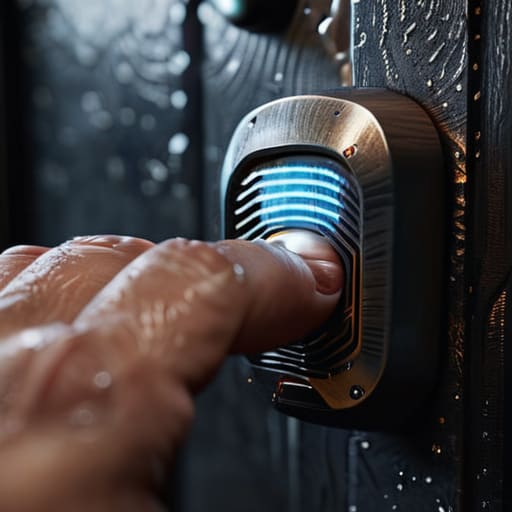
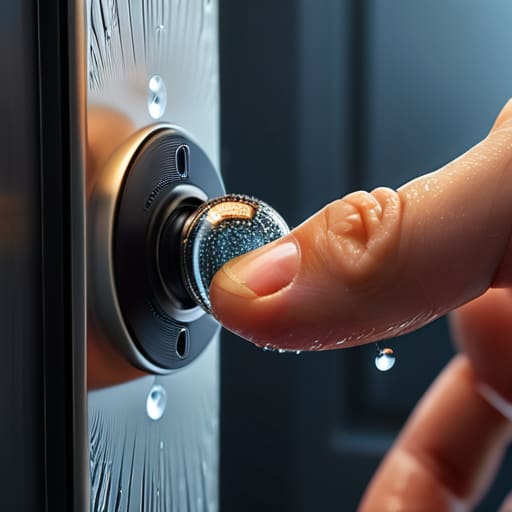
When you’re looking at a spec sheet, every manufacturer claims their tech is foolproof. They’ll talk a big game about biometric authentication technology, but they rarely talk about what happens when your hands are sweaty, cold, or covered in shop grease. That’s where the real world hits the marketing. You need to look past the glossy brochures and ask about the false rejection rate. If a lock denies you entry three times because you just finished working on a project or because it’s raining, that’s not “high security”—it’s a nuisance that’s going to lead you to leave it unlocked just to avoid the headache.
I’ve seen enough people get locked out of their own homes because they relied too heavily on a single sensor. A good lock shouldn’t just be smart; it needs to be reliable under pressure. This is why I always tell folks to look for a system that offers a solid emergency manual override. Whether it’s a physical keyway or a hidden terminal, you need a way in that doesn’t involve a smartphone or a thumbprint. Don’t let the fancy tech fool you into thinking you don’t need a mechanical backup.
The Hidden Cost of High False Rejection Rates
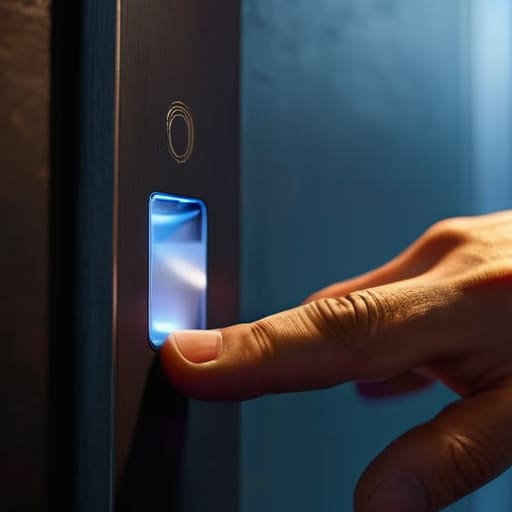
Look, I’ve spent enough time on the range to know that a piece of gear is only as good as its reliability when things go sideways. In the world of biometric authentication technology, there is a fine line between being secure and being a nuisance. A high false rejection rate might sound like a minor technical glitch on a spec sheet, but in the real world, it’s a headache that turns a simple entry into a standoff. I’ve seen folks get so frustrated with a sensor that won’t recognize them after a long day of work that they start looking for ways to bypass the system entirely.
When a lock fails to recognize your print, you aren’t just dealing with a delay; you are testing your patience and your backup plan. This is where most people overlook the importance of a solid emergency manual override. If you’re banking entirely on a sensor that struggles with accuracy, you better be certain you know exactly where that physical key is hidden or how the mechanical bypass works. Don’t let a finicky sensor turn your own home into a fortress you can’t get into.
Five Things to Check Before You Buy
- Look for a physical override that actually makes sense. If the battery dies or the sensor gets a smudge on it, you don’t want to be standing on your porch staring at a piece of expensive junk; make sure there is a manual keyway or a hidden terminal for a jump pack that you can actually access.
- Don’t trust the “one-touch” marketing. A good lock should let you register multiple fingers—including both hands—because if you’re carrying groceries or your hands are even slightly damp from the rain, you need a backup plan that doesn’t involve a struggle.
- Check the build quality of the mounting hardware, not just the sensor. I’ve seen plenty of high-tech locks fail because the mounting plate was cheap tin that stripped out after three months of heavy use; if the metal feels light, the security won’t be either.
- Ask about the power source and how it tells you it’s dying. You want a system that gives you a clear, early warning—like a specific LED pattern or a sound—long before the battery hits zero, otherwise, you’re just waiting for a lockout.
- Verify the storage of your data. It sounds technical, but in plain English, it means asking if that fingerprint data is stored locally on the device or if it’s being sent to a cloud server; for a lock on your front door, I’d rather have the data stay right there in the hardware where I can see it.
The Bottom Line on Biometric Reliability
Don’t let a fancy marketing brochure fool you; a sensor that fails to read your print when your hands are cold or slightly dirty isn’t a security feature, it’s a malfunction waiting to happen.
Always verify exactly how you’re going to get back into that safe or room if the electronics fail—if you haven’t tested the physical backup key or the manual override, you haven’t actually bought a lock.
Reliability comes down to maintenance, not just tech; if you aren’t prepared to keep that sensor clean and the battery levels checked, you’re just buying an expensive way to lock yourself out.
The Bottom Line on Biometrics
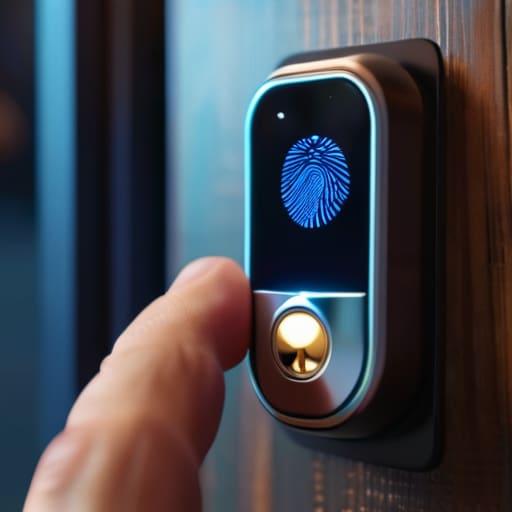
At the end of the day, choosing a biometric lock isn’t about finding the gadget with the most bells and whistles or the prettiest marketing brochure. It’s about understanding that a sensor is only as good as the maintenance you provide and the reliability of its fallback options. You have to look past the flashy tech specs and ask the hard questions: How does it handle a dirty sensor? Does it have a physical way in when the battery dies? If you can’t answer those questions, you aren’t buying security; you’re just buying a high-tech paperweight. Don’t let a high false rejection rate turn your own home into a lockout zone.
I’ve spent twenty years on the range watching people skip the small, unglamorous steps because they thought they knew better, and it never ends well. The same logic applies here. Real security is found in the boring details—the regular cleaning of the scanner, the testing of the backup keys, and the discipline of checking your power levels. If you get those fundamentals right, the technology will do its job. Treat your gear with respect, keep your habits consistent, and you won’t have to worry about whether your locks are actually working when you need them most.
Frequently Asked Questions
If the sensor fails because my hands are dirty or cold, is there a mechanical override that won't leave me locked out of my own gear?
That’s the question that keeps me up at night. If you’re out in the field and your hands are cold or covered in grease, a sensor is just a piece of glass. You need to look for a dual-entry system. Never buy a biometric lock that doesn’t have a physical keyway or a reliable keypad backup. If the tech fails—and eventually, it will—you need a mechanical way to get back in without a locksmith.
How much of the actual security is handled by the hardware versus a cheap software chip that can be bypassed with a simple hack?
Look, if the security is just a line of code running on a cheap little chip, you aren’t buying a lock; you’re buying a suggestion. A real, reliable system relies on the hardware—the physical deadbolts and the heavy-duty casing—to do the heavy lifting. If the “brain” of that lock is a low-grade processor, a hacker isn’t going to pick the lock; they’re just going to tell the software to ignore the door.
When a manufacturer says a lock is "biometric secure," are they actually talking about the encryption of my fingerprint data, or just how fast the scanner works?
Most of the time, they aren’t talking about encryption at all. They’re talking about speed. Marketing folks love to use “secure” as a synonym for “it works every time without a struggle.” But in my experience, a fast scanner that stores your print as a simple, unencrypted image is just a liability. You need to ask if that data is hashed and stored locally. If they can’t tell you how the data is protected, they aren’t selling security; they’re selling convenience.